IP Whitelisting
Restrict tunnel access by IP address or CIDR range
Overview
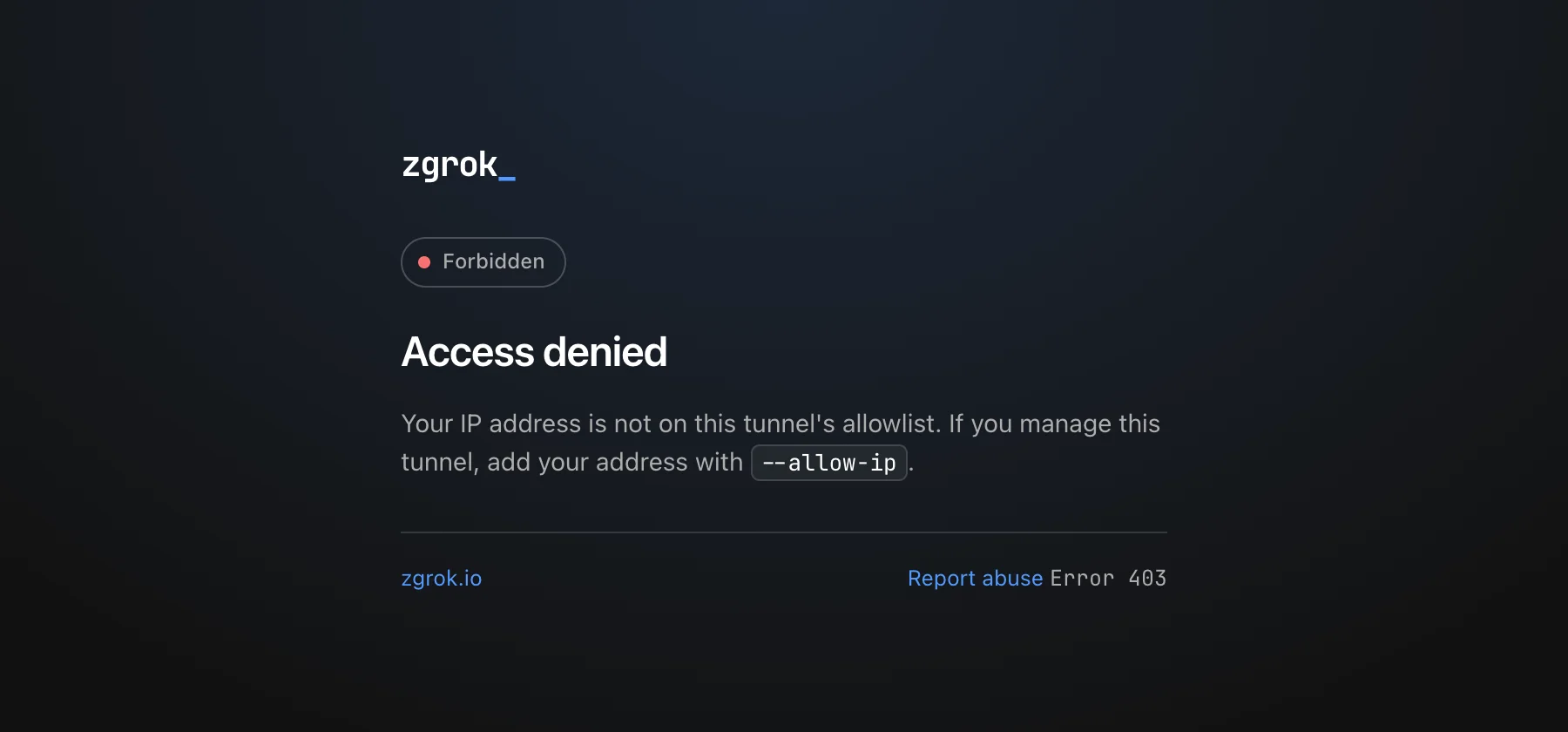
IP whitelisting restricts who can access your tunnel. Only requests from allowed IP addresses will be proxied. Everyone else gets a 403 Forbidden response.
PRO feature: IP whitelisting is available on the Pro plan.
Basic usage
Allow a single IP:
zgrok http 3000 --allow-ip 203.0.113.50Multiple IPs
Separate multiple IPs with commas:
zgrok http 3000 --allow-ip 203.0.113.50,198.51.100.25CIDR ranges
Use CIDR notation to allow entire subnets:
zgrok http 3000 --allow-ip 203.0.113.0/24This allows all IPs from 203.0.113.0 to 203.0.113.255.
Combining IPs and CIDRs
zgrok http 3000 --allow-ip 203.0.113.50,198.51.100.0/24Which address to list
List the visitor's public IPv4 address, the one their network shows to the internet. They can read it with:
curl -4 https://ifconfig.meTwo kinds of entry are accepted and let nobody in:
- Private ranges such as
10.0.0.0/8or192.168.0.0/16. A visitor arrives from their public address even when they sit on the same network as you. - IPv6 addresses. Tunnel addresses resolve to IPv4 only today, so a visitor reaches you over IPv4.
Everyone behind one office or VPN shares its public address, so one entry admits all of them. A home or mobile connection can change its address, and a visitor whose address changed gets a 403 until you restart the tunnel with the new one.
Use cases
- Staging environments: only allow your team's office IPs
- Client demos: restrict access to a specific client's network
- Security testing: limit exposure during penetration testing
How it works
The zgrok server checks the source IP of each incoming request against your allowlist before proxying. Requests from non-allowed IPs receive a 403 Forbidden response and are never forwarded to your local server.
An entry that is not an address or a range is refused before the tunnel starts:
$ zgrok http 3000 --allow-ip officeerror: invalid value 'office' for '--allow-ip <ALLOW_IP>': expected an IP address like 1.2.3.4 or a range like 10.0.0.0/24
On the Free plan the tunnel is refused as well, rather than started without the protection:
✗ Authentication failed: IP allowlisting (--allow-ip) requires the PRO plan. Upgrade at https://zgrok.io/pricing, or start the tunnel without --allow-ip.
An allowlist is one layer, not a login. To ask visitors for a password instead, use --basic-auth, also on Pro.
See also
- Plans & Limits: feature comparison
- CLI Reference: all flags